Review a duplicate group
Release the hold, mark it not a duplicate, refund the extra shipping, or mark it shipped together, from the order page or the group page.
FreeProtect3 min read
1Start from the order
Open either order. The OrderMerge block shows the group, its status, the matched order with its payment status and total, and the reason.
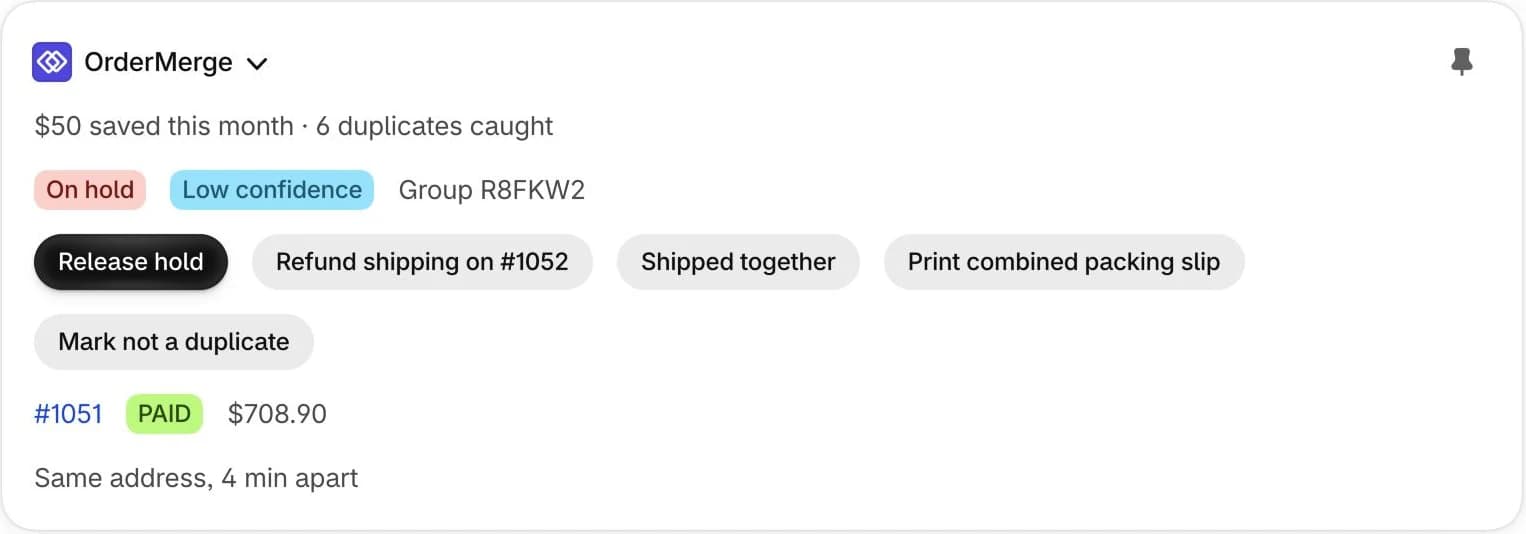
2Pick what happened
Release hold: it's a real second order, ship it. Mark not a duplicate: it was never a duplicate, so the hold, tags and note are removed and these orders aren't grouped again. Shipped together: both went out in one box, and the saving is counted.
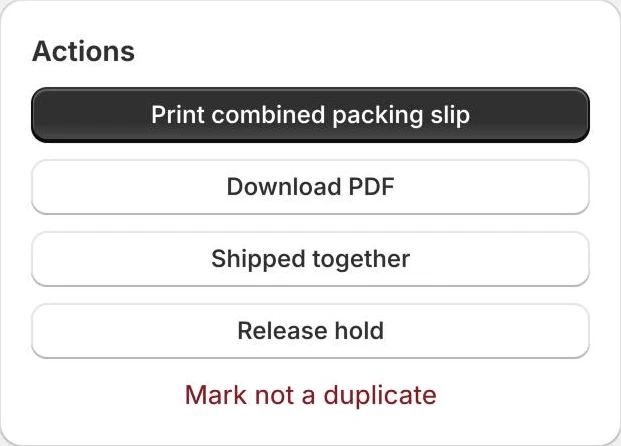
3Refund the extra shipping
When both orders paid for shipping and you ship them together, Refund shipping on the newer order returns that shipping charge through Shopify, after you confirm the amount.
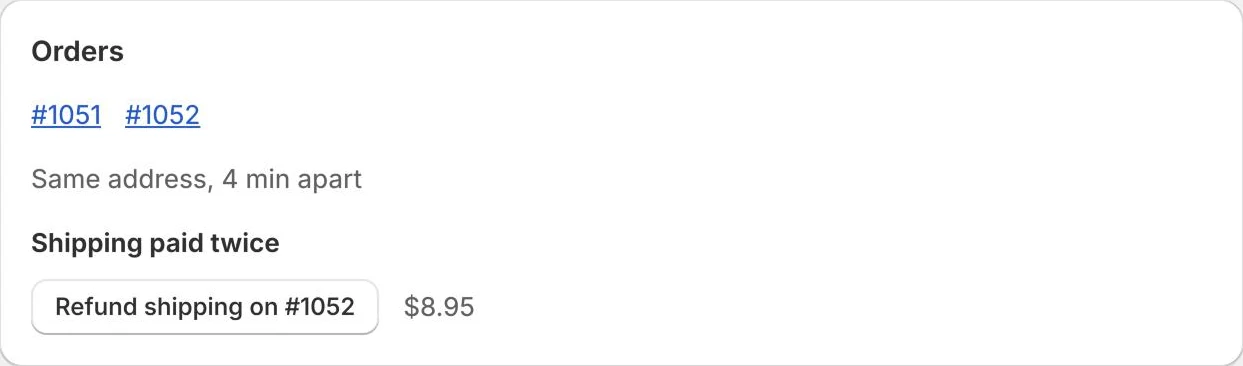
4Every change is logged
The group page keeps a history of holds, notes, tags, refunds and who did what, so the next person on the queue knows what was decided.
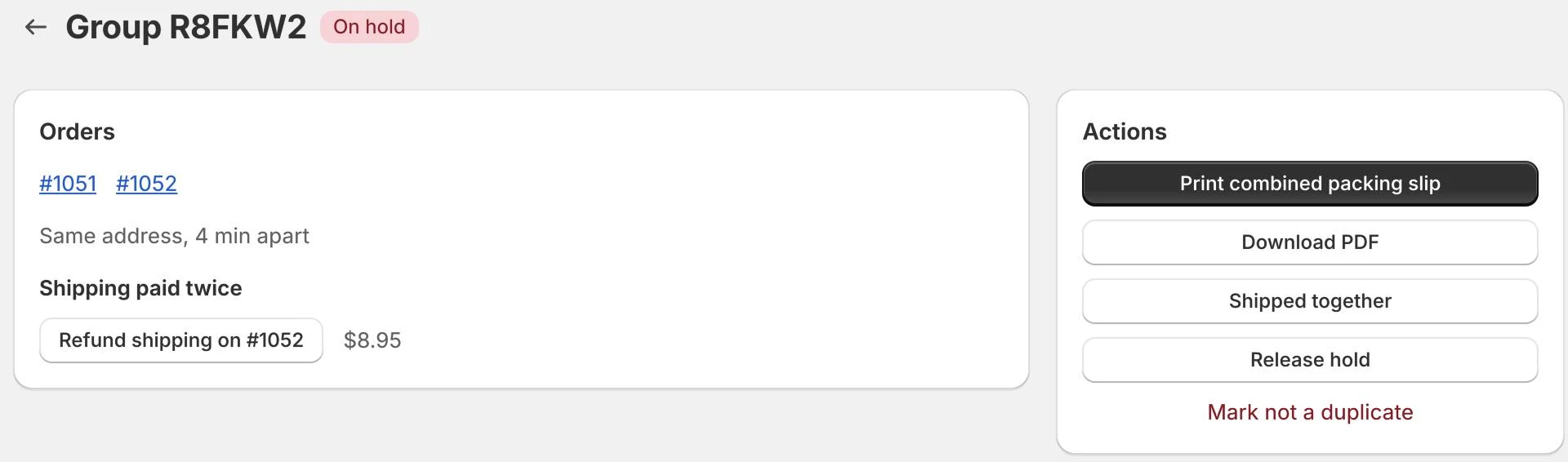
Try it on your store. The Free plan starts catching duplicates right away.